
People searching for writesonic ai humanizer reviews usually want a simple answer: paste in an AI draft, click Humanize, and get writing that sounds like a person. The feature is easy to describe. The buying decision is less simple because Writesonic has grown into a large SEO and AI search platform, while the Humanizer itself still lives inside the document editor.
I reviewed the current public product information, the Humanizer documentation, the visible workflow in the supplied screenshot, and recent hands-on reporting. The pattern is fairly clear. Writesonic can be useful for a quick first rewrite, especially if you already pay for the wider platform. It is harder to recommend as a dedicated humanizer when you need close control over meaning, terminology, or the amount of text that changes.
Writesonic AI Humanizer reviews 2026: quick verdict
- Best for: existing Writesonic users who want a quick cleanup pass inside the AI Document Editor.
- Good at: reducing stiff phrasing, improving a rough draft, and keeping writing work in one platform.
- Less convincing for: technical copy that needs exact terminology or writers who want a dedicated humanization workflow.
- Detector result: do not treat a Writesonic score or a third-party score as proof that text is human-written.
- My verdict: useful as an editing step, but the Humanizer alone is not a strong reason to buy the full Writesonic platform.
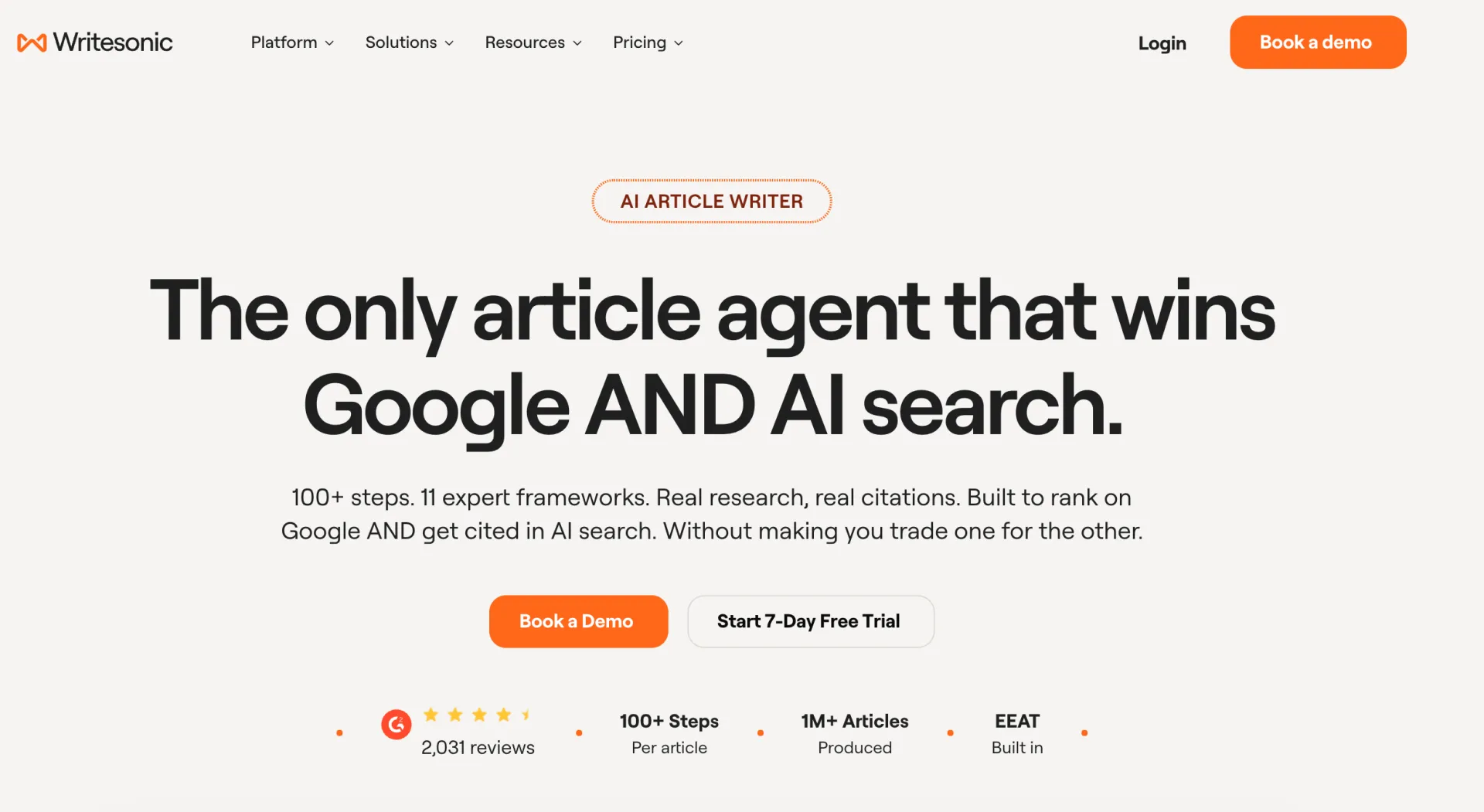
What is the Writesonic AI Humanizer?
Writesonic's AI Humanizer is a rewriting feature inside its AI Document Editor. The basic job is familiar: it takes AI-generated text and changes wording and sentence patterns so the result reads more naturally. The public documentation places the feature behind the Home area, inside the AI Document Editor, under a Humanizer icon.
That location tells you a lot about the product. Writesonic is not selling only a text humanizer. Its current platform also covers AI article writing, SEO tools, AI search visibility, document editing, plagiarism checks, brand voice, and publishing workflows. The Humanizer is one stage in that system. If you already use the editor, this is convenient. If you only want to rewrite a few paragraphs, the wider platform can feel like a lot of machinery around a small task.
How the workflow works
Open the Humanizer in the document editor
The documented path is Home, then AI Document Editor, then the Humanizer icon. This is not difficult, but it is less direct than a standalone page with a text box waiting on the first screen. The workflow makes sense for a team that keeps drafts, revisions, and publishing tasks in the same workspace.
Paste text and choose the available setting
You paste the AI-generated passage into the editor and select the language shown in your account. The Humanizer documentation I found still says English only. That page was updated more than a year ago, so I would treat it as a useful warning rather than a promise about every current account. Multilingual teams should check the live selector with a representative paragraph before they commit to a large batch.
Decide whether to use Enhanced Readability
The extra readability option is the most interesting control in the documented workflow. It aims to make the result easier to read, but Writesonic's own documentation warns that turning it on may increase the risk of AI detection. That warning is refreshingly direct. It also shows why there is no universal definition of better humanization. A text can be smoother for a reader and still contain patterns that a detector flags.
Generate, then compare
After you click Humanize, Writesonic produces a revised passage in the editor. The editor also includes tools for rephrasing, improving writing, checking plagiarism, working with SEO, translating content, and generating supporting formats. Those features make the platform useful for content production, but they do not remove the need to compare the revised passage with the source.
Recent hands-on reports point out a practical weakness: the Rewriter and Humanizer do not always show exactly what changed. When there is no clear change view, you have to compare two versions yourself. That is manageable for a paragraph. It becomes tedious for a long article, especially when a small wording change affects a technical claim.
Features that matter in real use
Light rewriting inside an existing workspace
The strongest reason to use Writesonic's Humanizer is convenience. You can write, revise, check, and share without moving the draft through several unrelated tools. The document editor supports a Google Docs style experience, and the wider platform can connect content work with SEO tasks and publishing exports.
Readability and tone are separate editorial problems
Writesonic's Humanizer is mostly presented as a readability and naturalness feature. That is a sensible goal. A useful rewrite should remove repeated openings, overly formal transitions, and padded sentences without turning a specialist explanation into vague general English. The tool can help with the first pass, but it cannot know which parts of your voice are deliberate.
AI Article Writer and the Humanizer stage
The newer AI Article Writer positions humanization as part of a multi-step article process. Writesonic describes research, outlines, citations, brand voice, and review stages before a humanizer pass. That is different from pasting an isolated paragraph into a rewriting box. It may be a better fit for teams that need a full content pipeline, while a solo writer may find the workflow more than they need.
Plagiarism and SEO tools are separate checks
The document editor includes plagiarism checking and an SEO suite. Those tools solve different problems. A plagiarism checker looks for overlap with existing material. An AI detector estimates whether language resembles machine-generated writing. An SEO checker looks at search-related signals. Passing one does not mean you pass the others, and none of them confirms that your argument is accurate.
Writesonic AI Humanizer pricing in 2026
The price is the awkward part of this review because the current public pricing page is organized around the wider Writesonic platform, not a clearly separated Humanizer subscription. When I checked it in September 2026, the visible tiers showed the following monthly figures in the annual pricing view:
| Plan | Displayed price | Positioning |
|---|---|---|
| Starter | $79 per month | Small teams and basic content work |
| Basic | $199 per month | SEO and AI search visibility |
| Growth | $399 per month | Larger teams and deeper monitoring |
| Enterprise | Custom | Custom users, data, and support |
The page invites users to start a free trial, but it does not make the Humanizer's standalone allowance as clear as older product pages and independent reviews do. The public documentation also describes the feature as part of the editor. In practice, that means you should ask three questions before paying: how many Humanizer actions are included, whether the action consumes a broader article or agent allowance, and whether the language or readability options are available on your plan.
Recent hands-on testing also reported that a small number of article and rewriting actions could exhaust the usable allowance on a test account. That may depend on the plan and the account configuration, so I would not treat it as a universal limit. It is still a good reason to test a real paragraph before building a production workflow around the tool.
Does the Writesonic AI Humanizer bypass AI detectors?
This is the point where many writesonic ai humanizer reviews become too definite. Writesonic's own marketing and older blog material show very low AI percentages in selected examples. Those demonstrations may be useful for understanding the intended workflow, but they are not a stable pass rate for every detector, topic, language, or document length.
Public testing is mixed. One third-party review reported that a humanized passage received a very high AI classification from GPTZero, while other detector results and other samples can move in the opposite direction. Another review found that a rewrite sometimes made a technical explanation easier to read but less precise. These are not enough to calculate a universal success rate, but they are enough to reject the idea that one click guarantees the same result everywhere.
There is a second issue. A detector score is not a measure of originality, authorship, or truth. It is a probability estimate based on language patterns. A passage can receive a low score and still copy someone else's idea. A passage can receive a high score even when a person wrote it. Use detector results as a prompt to inspect a draft, not as a final verdict.
For a fair test, use a passage long enough to represent your normal work. Save the original. Humanize it once. Compare the two versions line by line. Check names, numbers, citations, technical terms, and the strength of every claim. If the only improvement is a lower percentage, the tool has not solved the writing problem.
What Writesonic does well
- The feature is easy to find once you are already working in the AI Document Editor.
- It keeps drafting, rewriting, plagiarism checking, SEO work, and export options near each other.
- The readability warning helps users understand that smoother prose and detector outcomes can conflict.
- The broader platform offers brand voice, article writing, content optimization, and AI search features.
- It can make a repetitive first draft more readable without requiring a manual rewrite of every sentence.
Where it falls short
- The Humanizer is not presented as a clearly separate product in the current pricing structure.
- The public documentation leaves language support and exact Humanizer limits unclear.
- There is no dependable universal detector result across independent tools.
- Some reports describe shallow edits or terminology changes that require a careful manual comparison.
- The editor may not show a detailed before-and-after change view, which adds work for long documents.
- The full platform price is difficult to justify if humanization is your only requirement.
Writesonic AI Humanizer vs Ryter Pro
The two workflows suit different users. Writesonic makes sense when your team already needs article generation, SEO tools, AI search visibility, a document editor, and publishing support. In that setting, a built-in Humanizer can be a convenient step in a larger process.
Ryter Pro's text humanizer is a more focused option for writers who want to work directly on an AI-assisted draft. The page is designed around rewriting and review rather than asking you to buy a broad SEO platform first. That can be easier to evaluate: paste the same sample, inspect the output, and decide whether the changes preserve your voice and meaning.
I would not choose either product because of a promise about one detector percentage. Choose Writesonic when the surrounding content system pays for itself. Try Ryter Pro when the main job is to make a draft clearer, less repetitive, and closer to the writer's own voice. In both cases, the final edit remains yours.
Who should use Writesonic's Humanizer?
It is a reasonable fit for an existing Writesonic subscriber who wants a quick first pass on blog sections, campaign drafts, or general business copy. It may also suit teams that want humanization next to an article workflow, brand voice settings, and publishing tools.
It is less attractive for a technical writer who needs strict terminology control, a multilingual team relying on documented language coverage, or an individual who only wants a standalone humanizer. Those users should compare the time spent finding, processing, and checking the output with the time a focused rewriting tool requires.
A practical workflow for better results
- Start with substance. Add your own facts, examples, point of view, and audience context before you ask any tool to rewrite the prose.
- Keep the original. Save a copy before processing. You need it when a sentence becomes less precise or a qualification disappears.
- Test a representative section. Use a paragraph with the same terminology, tone, and complexity as the final document.
- Use readability settings carefully. A smoother sentence is not automatically a more accurate sentence. Check whether the rewrite becomes too broad or too certain.
- Review the whole passage. Look for changed facts, missing citations, altered numbers, strange word choices, and a voice that no longer sounds like the author.
- Run the right checks. Use plagiarism, grammar, and detector tools for their separate purposes. Do not use one score as proof that the work is ready.
- Follow the rules that apply. Schools, employers, clients, and publishers may require disclosure of AI assistance. Keep notes and version history when the work matters.
Frequently Asked Questions
Is Writesonic's AI Humanizer free?
Writesonic currently promotes a free trial for its wider platform, but the exact Humanizer allowance is not presented as a simple standalone free plan on the public pricing page. Check the limits and included actions in your account before relying on free access.
Where can I find the Writesonic AI Humanizer?
The product documentation places it inside the AI Document Editor. Open the Home area, launch the editor, and look for the Humanizer icon. The exact navigation may change as the platform is updated.
Does Writesonic's Humanizer support more than English?
The Humanizer documentation I found still lists English as the available language. Because that documentation is older than the current platform pricing, confirm the language selector in the account you plan to use.
Will Writesonic's Humanizer make text pass every AI detector?
No. Detector results vary by service, model version, text length, subject, language, and later editing. Treat a score as a signal for review, not a guarantee or proof of authorship.
Is Ryter Pro an alternative to Writesonic's Humanizer?
Yes. Ryter Pro is worth testing if you want a focused web workflow for revising AI-assisted text without adopting a larger SEO and AI search platform.
Final summary
Writesonic's AI Humanizer is a convenient editing feature inside a much larger product. It can make a rough AI draft easier to read, and it is most useful when you already use the AI Document Editor or the article pipeline. The current pricing page, however, sells the broader platform, so the cost is difficult to defend if humanization is the only job you need to do.
The strongest conclusion from these writesonic ai humanizer reviews is a modest one: use it as a first rewrite, not as an authorship shield or a detector guarantee. Preserve the original, protect important terms, verify every claim, and add the details only you can provide. If you want a more direct alternative, test Ryter Pro's AI Humanizer on the same passage and judge the result by clarity, accuracy, and the amount of cleanup it leaves behind.